Lately, I’ve seen lots of peeps asking for AOSP versions, apps from CyanogenMod, apps from Samsung, apps that are in the pixel, and so forth! (Some have even gone far enough to ask “can you get that app from my friend’s phone? LOL). The main reason -for those of you who don’t know- is that the stock Google/AOSP version of any app is way faster than the modified app the OEM gives you (most of the time, anyway). Now, as many of you would have figured out, there aren’t that many ways to get the stock apps. Why? You may ask. The answer is that those apps don’t exist! Surprised? Well, you should be.
The Android Open Source Project (AOSP) is where all these apps generate, true, but they just hand away the source code. NOT the completed APK file. That’s probably why you can almost never get a “stock” app by searching on Google. What are your alternatives? Well, your choices are indeed limited. Either search for those apps on the Play Store (oh yeah! There’s a hell’o lotta people claiming they have the clean, AOSP, version of a particular app. Take for example the dude who claims he has the original Music app. The app he offers is from Android 2.2 and is loaded with junk (i.e. ads). And there are others who offer the “AOSP” app. But they equally compromise the user’s experience to such an extent that he/she is better without that app). The second option is to compile the apps from the AOSP source code. That, is as hard as it sounds. The third option for you is to sit tight with your moldy apps (yeah right! Like that’s gonna happen!).
I’ve just described the problems, hazards and downright failures in relation to getting stock apps. But I have an alternative. Recently, I have taken to compiling those apps from the source code in a way that suits all devices. This is a strictly non-profit project done (in my free-time. No! not free time free-time. Free-time as in literally the time I have free) for the betterment of the world. So that equals to no ads or any other sort of gimmicks asking/nagging you to cash-in. Got all that? Then read on……
I did hit a few speedbumps along the way. The first and foremost being that, compiling from the source code to suit all devices is painstakingly hard (these apps were supposed to be compiled by the manufacturer to a particular device). Plus, checking the apps on at least 40 devices is no easy task. Secondly, I had to “burrow” bits of code from other apps to get apps of higher API values to lower API Android versions (I’ve put a cut-off for all these apps at API 16, Jellybean in other words. This means that only devices running Jellybean or above will be able to run most apps (and even that barely). Thirdly, don’t expect all the apps to work perfectly. These apps (except when told otherwise) are all in BETA testing stage. Also, your particular device may or may not run these apps, but I’ve tried hard to keep compatibility in check. And lastly, don’t ask me to include this app and that app. I said clearly “free-time-only” above. If you have issues with an app, don’t nag me to fix it, just comment; and live with it.
Here listed are the apps I’ve compiled so far. Apps marked with a (*) are out of testing, while apps with a (#) sign are yet to be uploaded/made. Search Google if something doesn’t make sense. And – skip this part if you don’t care about the technical details – all the apps have a version name with the prefix “AndroidStock” followed by what Android version the app was in (e.g. AndroidStock 7.0.1 means that it was present in Android Nougat). Some apps may close unexpectedly due to some minor bugs.
NOTE: Some of these apps are available for Androids above 4.4.4 with UI and overall developments on Maarten Dekkers apps. they are recommended if you have a higher Android version, as all these apps have been optimized for lower Android versions. And I’ve also provided a link to a mirror of all the apps Lineage OS releases (But they won’t work unless you have a Lineage OS custom OS).
|Cyan Apps by Maarten Dekkers|
CALCULATOR*
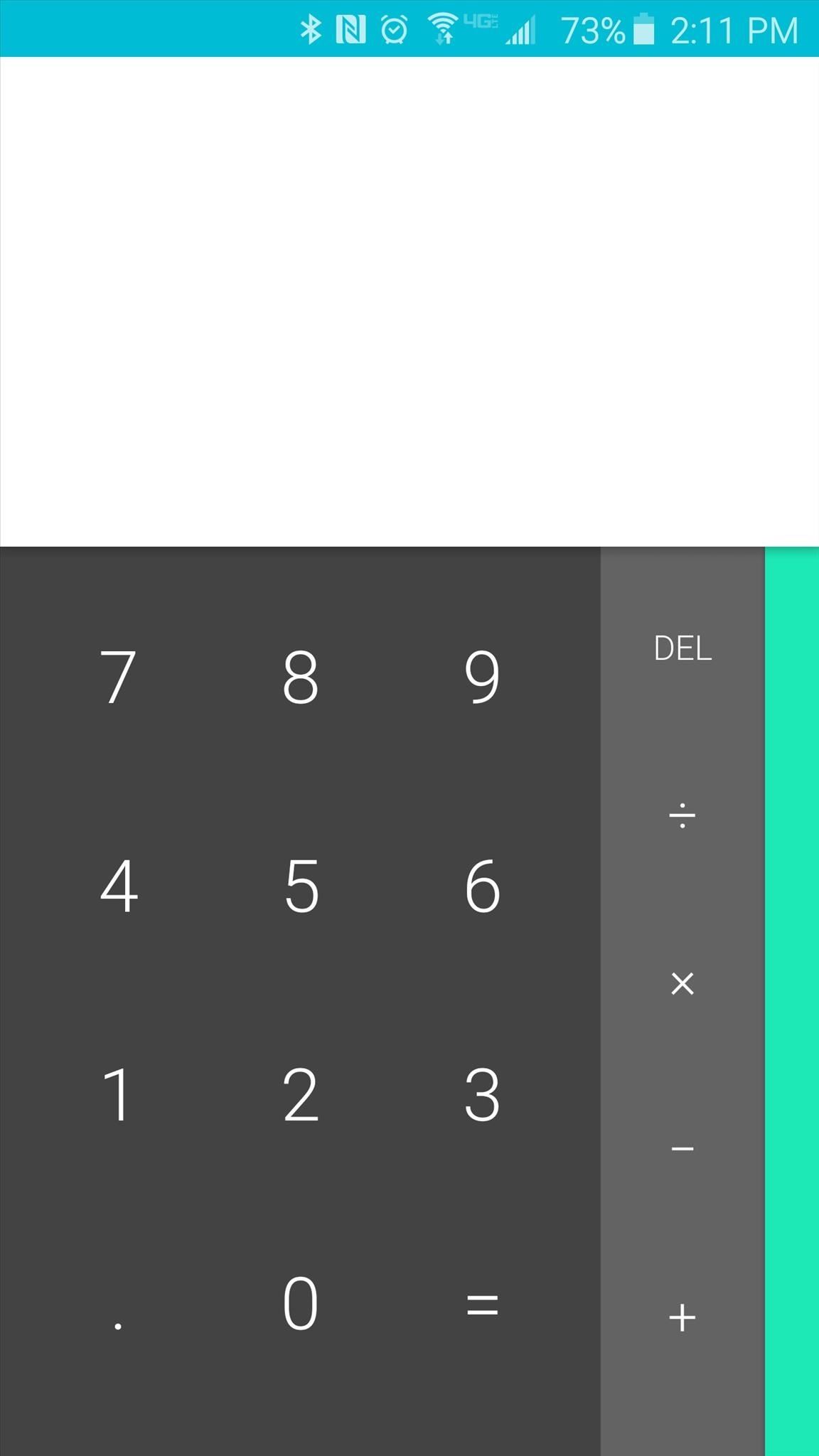

The Google calculator app. Ported to suite lower versions of Android. Taken from API 21. Tilt device sideways to get scientific calculator. If you have Android 5.0.1 or above, use the version on Google Play.
|AndroidStockCal – Google Drive|
MESSAGING*
Google’s official messaging app. As Google made it available for older Androids, I have removed it from my repository.
|Google Messaging – Google Play Store|
CAMERA – BETA/ALPHA
The AOSP camera app. Provided in three flavors; one; the official app for Android devices running API 20 or below; and two; the camera app from Android M; and a universal camera app that is in every Android.
|Camera Marshmallow – Google Drive|
|Camera Legacy – Google Drive|
|Universal Android Camera – Google Drive|
|CyanogenMod Camera – Google Drive|
CLOCK WIDGET*
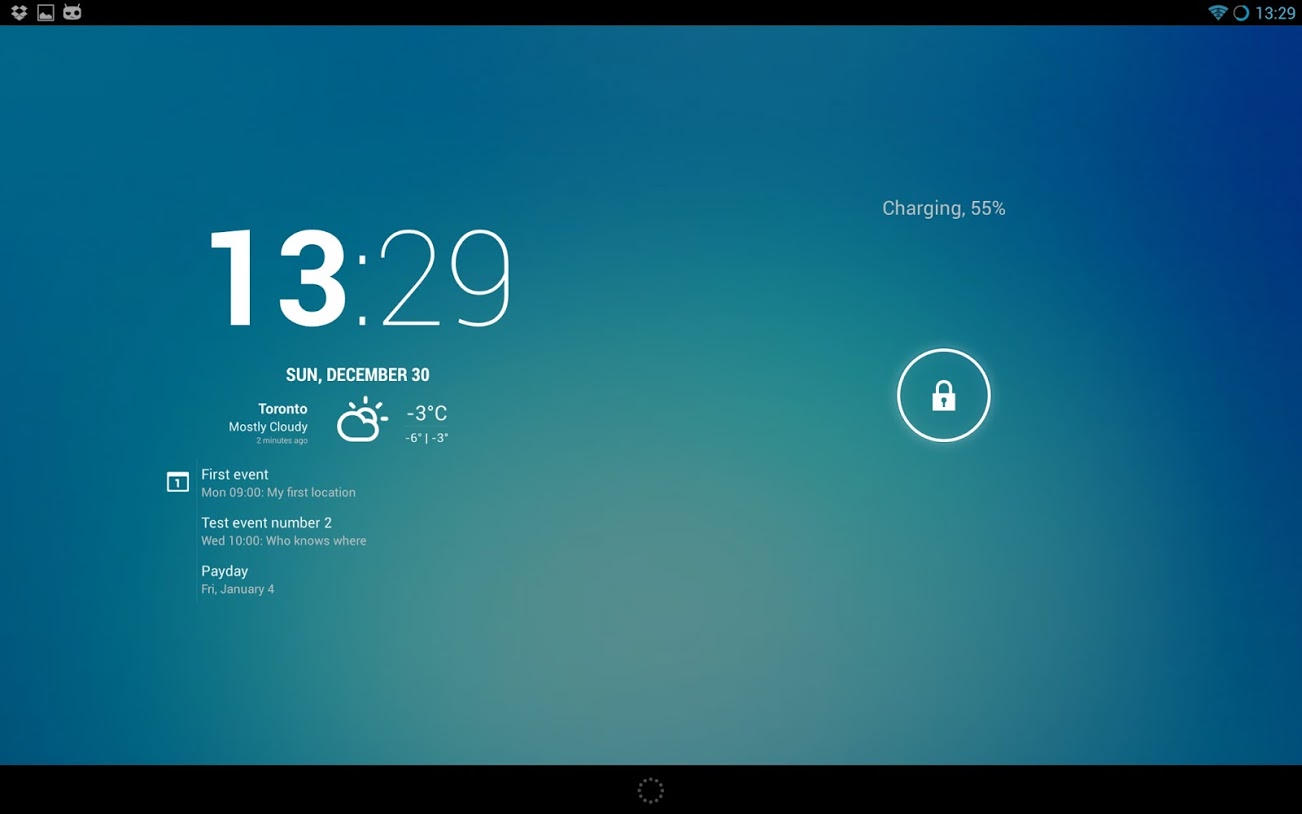
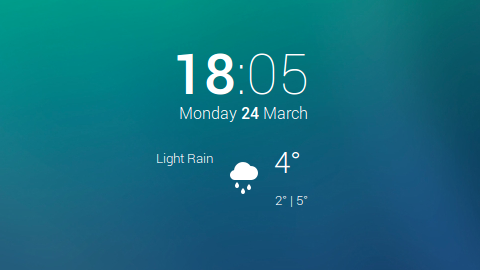
The official Android clock widget from Android Nougat. A simple and elegant clock. Works with most launchers.
|AndroidStockClockW – Google Drive|
CLOCK APP*
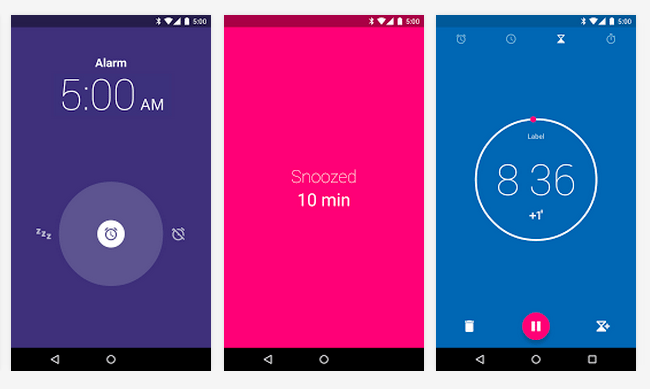
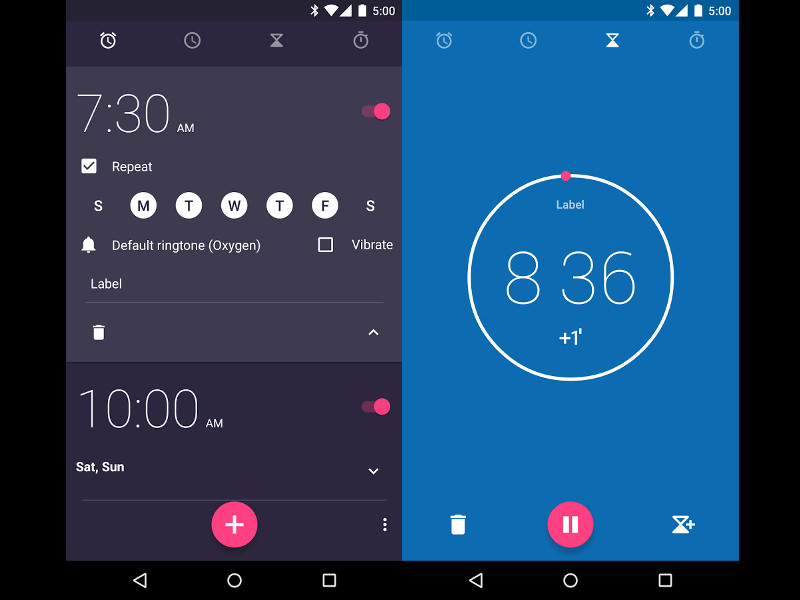
The Clock app in all those Androids. This app was made available on the Play Store by Google so my version is not needed.
(ELEVEN) MUSIC
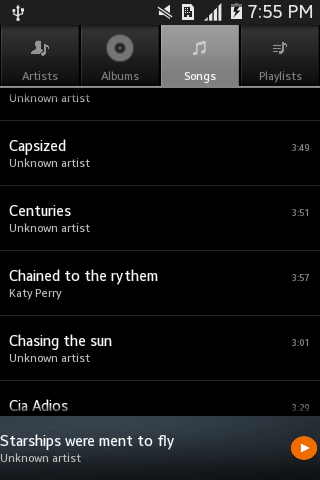
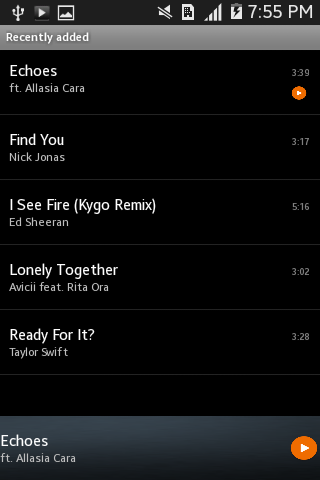
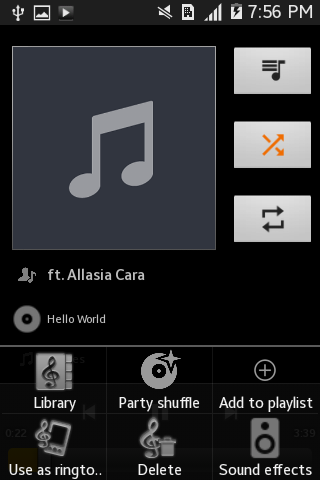
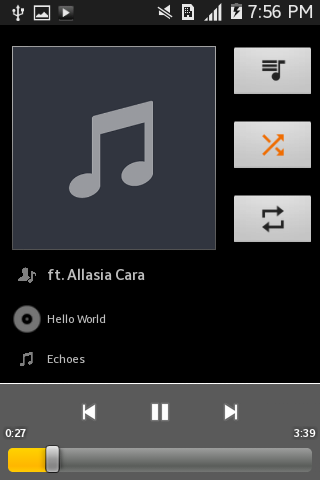
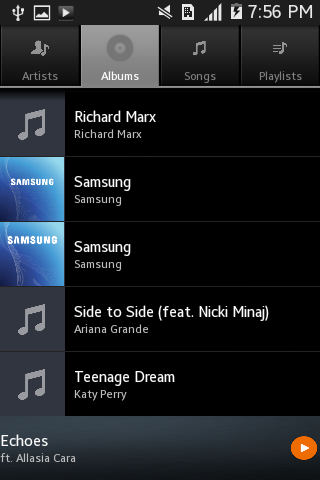
The Music app present in Android Nougat. It had to be modified to suite lower versions (Not all your favorite features of Eleven survived the version change, but rest assured, all the core features are present). Can be presented as a hybrid of the 4.4.2 Music app and the Eleven Music app. Comment if you find any bugs.
Note: on Samsung devices, use your recent app soft key (long press it) to access the menu (to get sound effects, set as ringtone, part shuffle etc.)
|AndroidStockMusic – Google Drive|
CONTACTS*
Google’s official Contacts app. Google made this app officially available for devices running Android 5.0.1 and above. I’ve made one that runs on devices with lower Androids.
|Contacts – Google Play Store| Android M and up
|Contacts – APK Mirror| Android L (5.0.1)
|AndroidStockPeople – Google Drive|
GOOGLE PHONE*
The stock dialer from Google. Only available for Android 6.0 and up. But I’ve also made a Dialer for lower android versions too!
|Google Phone – Google Play Store|
|AndroidStockDialer – Google Drive|
GOOGLE NOW*
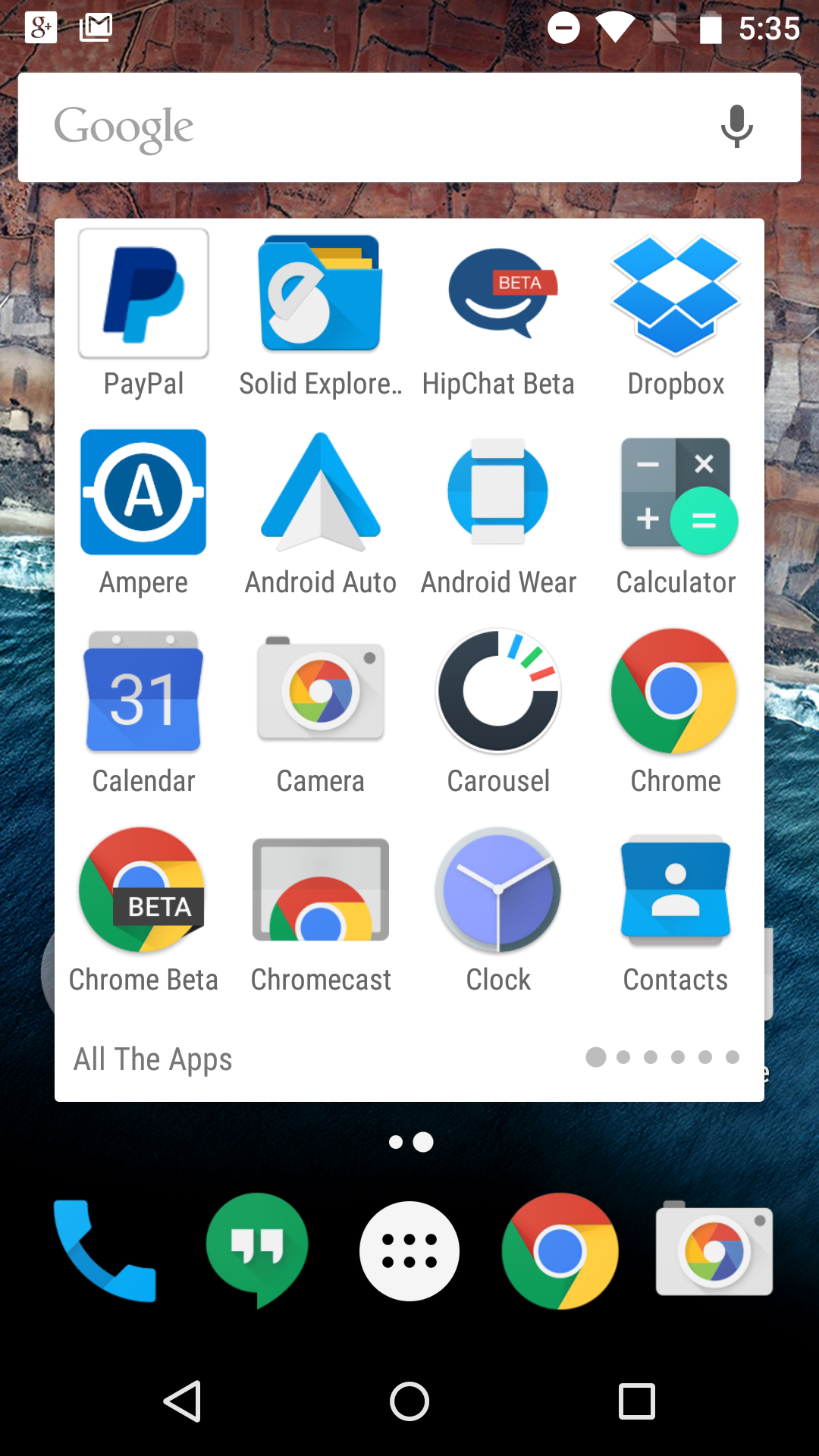
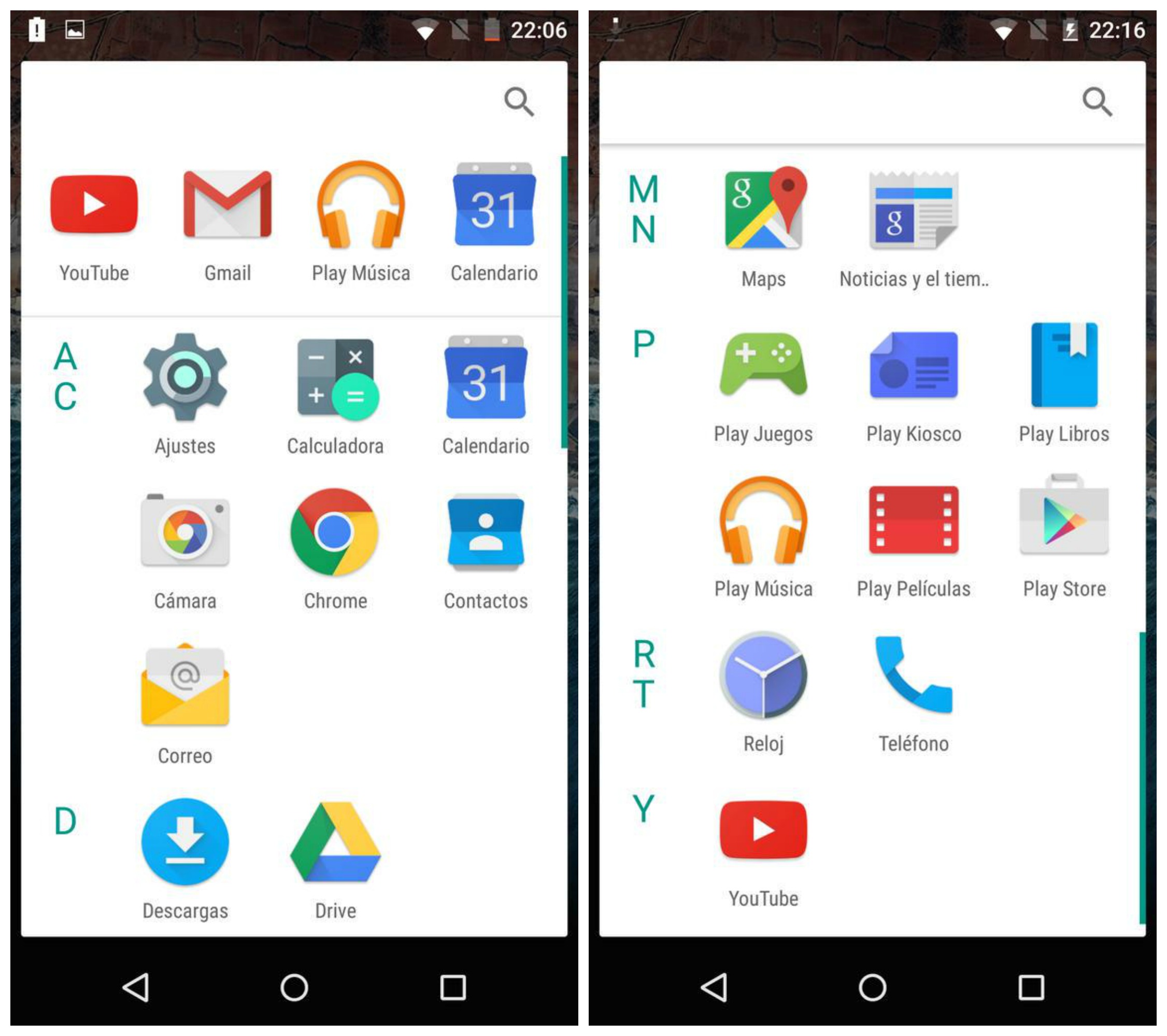
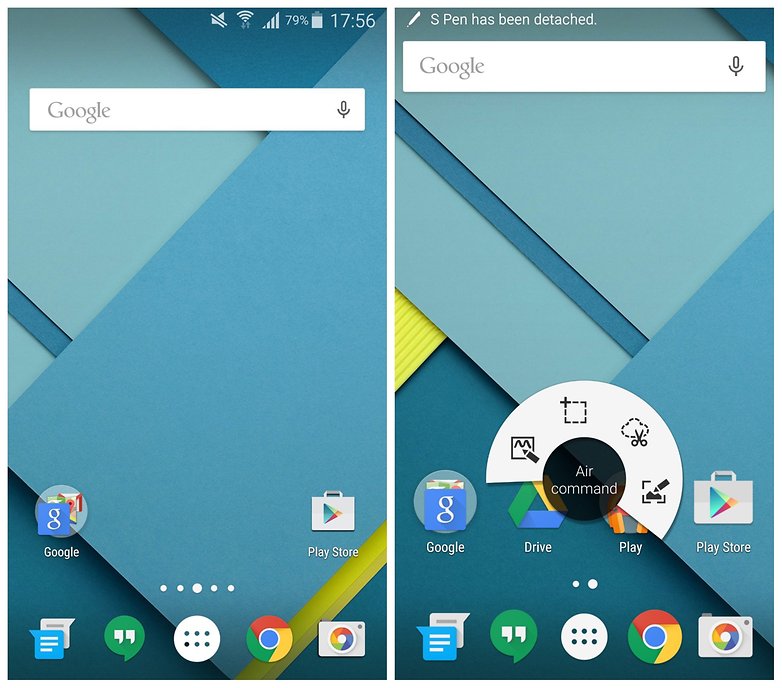
Google have the launcher in the Nexus devices for other devices with Google Now launcher. It is closely related to the stock launcher and it’s pretty fast.
|Google Now Launcher – Google Play Store|
AUDIO FX – ALPHA

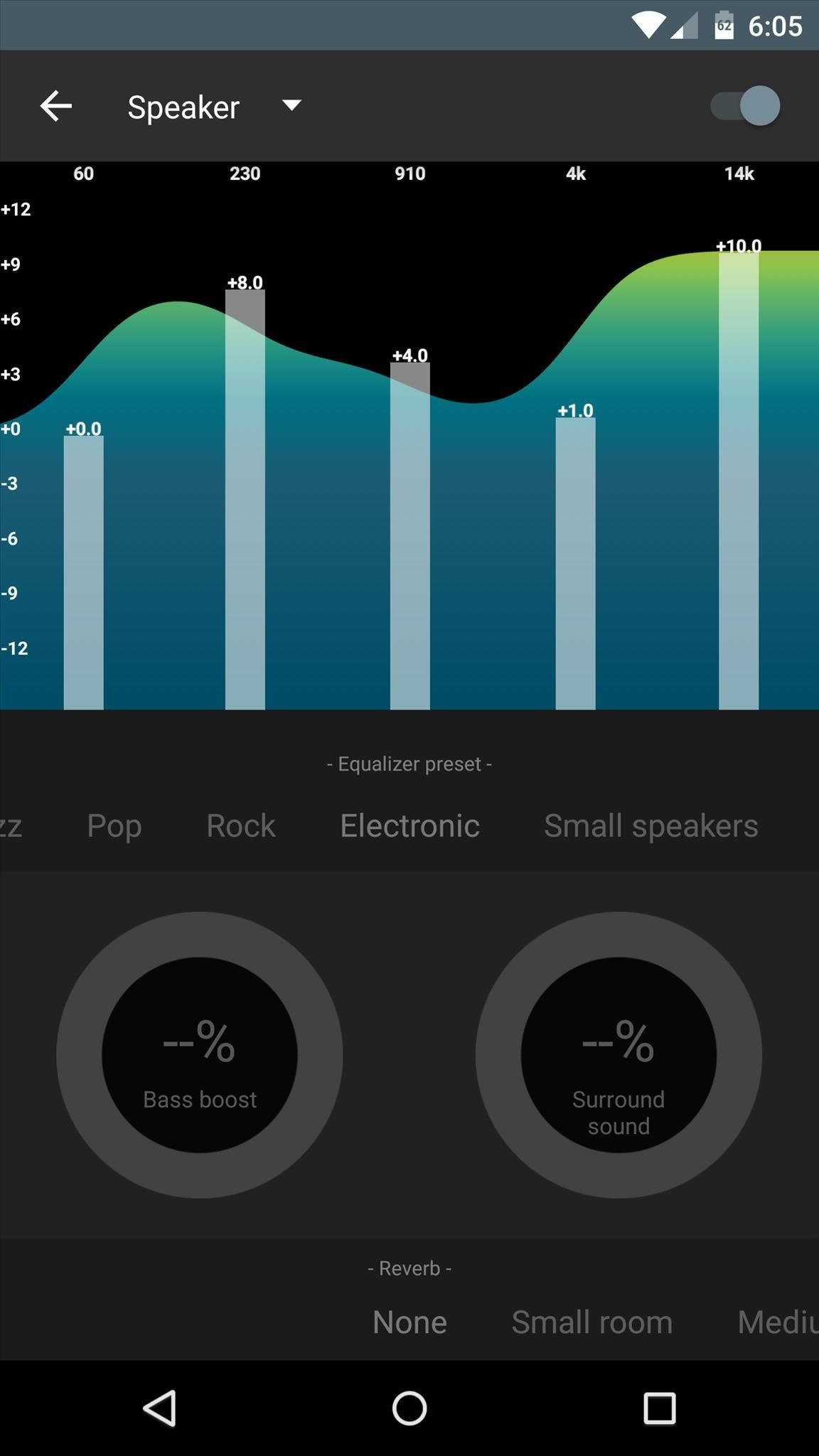
The much waited equalizer app for Android. This app is specially optimized for lower Android versions. It still has some bugs regarding the equalizer and some have even reported that it doesn’t work! Still neck-deep in testing. Best wait for the final release. That said, there are some great equalizer apps by 3rd party developers. I’ve provided links for some of them.
|AndroidStockAudioFX –Google Drive|
|CyanogenMod Auido FX – APKMirror| for Android 6.0 and up
|Equalizer FX – Google Play Store|
|Equalizer PingPong – Google Play Store|
GOOGLE QUICK OFFICE – FINAL/BETA
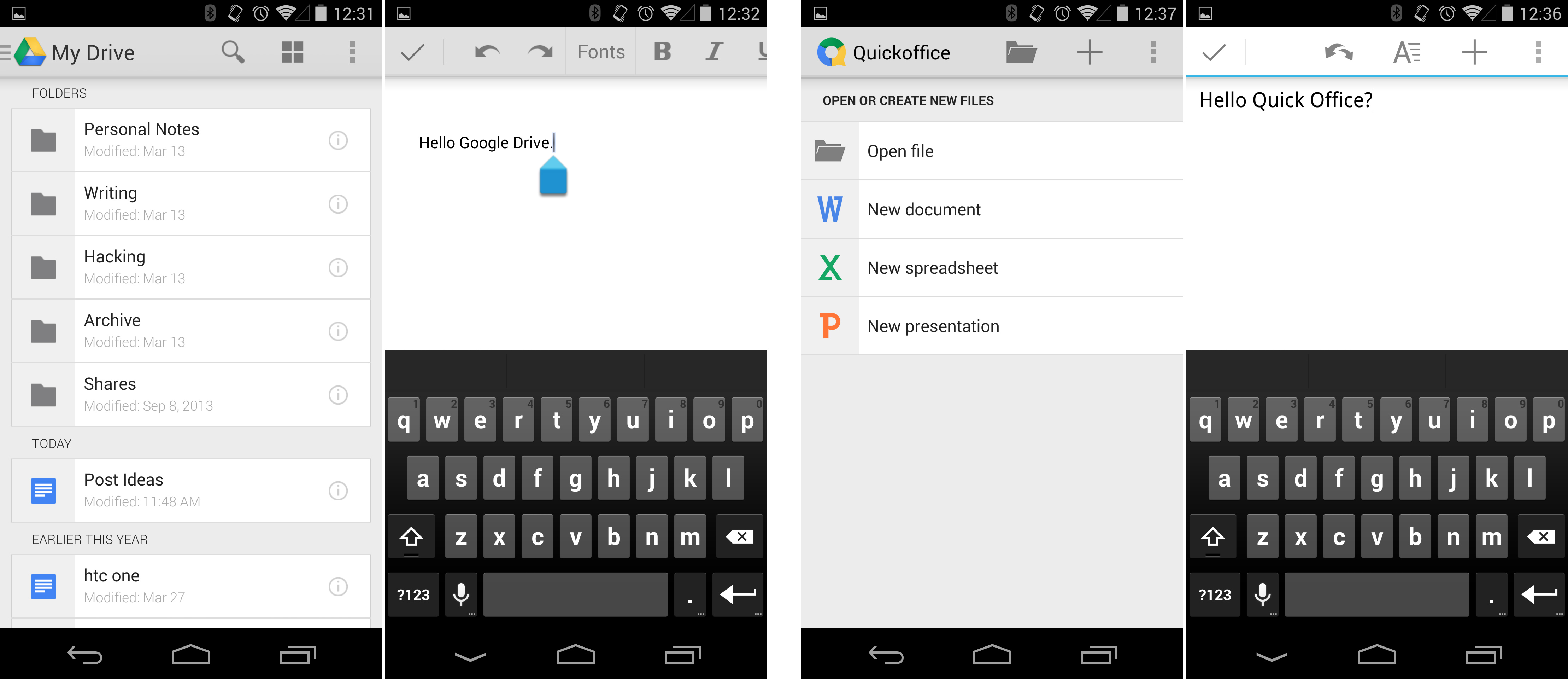
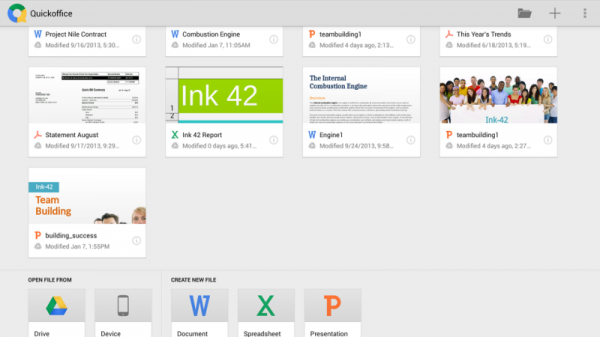
Google’s office app. It came preloaded on many devices before 2016 June when it was taken off the Play Store. It’s got no porting but I thought I’d share it as it truly is the lightweight office app (>10MB). Better than Microsoft’s/Polaris’s bunch if you’re just gonna edit a document or something.
CALENDAR – FINAL/BETA
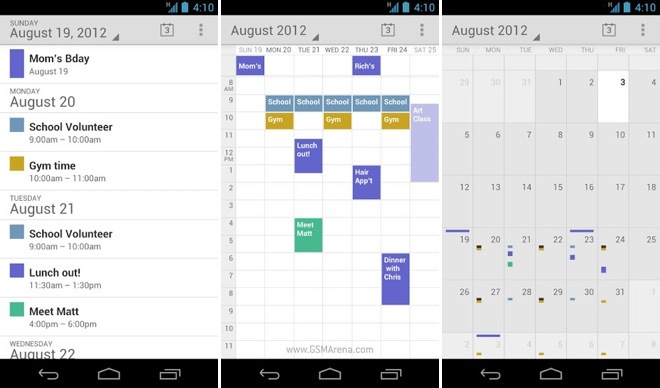
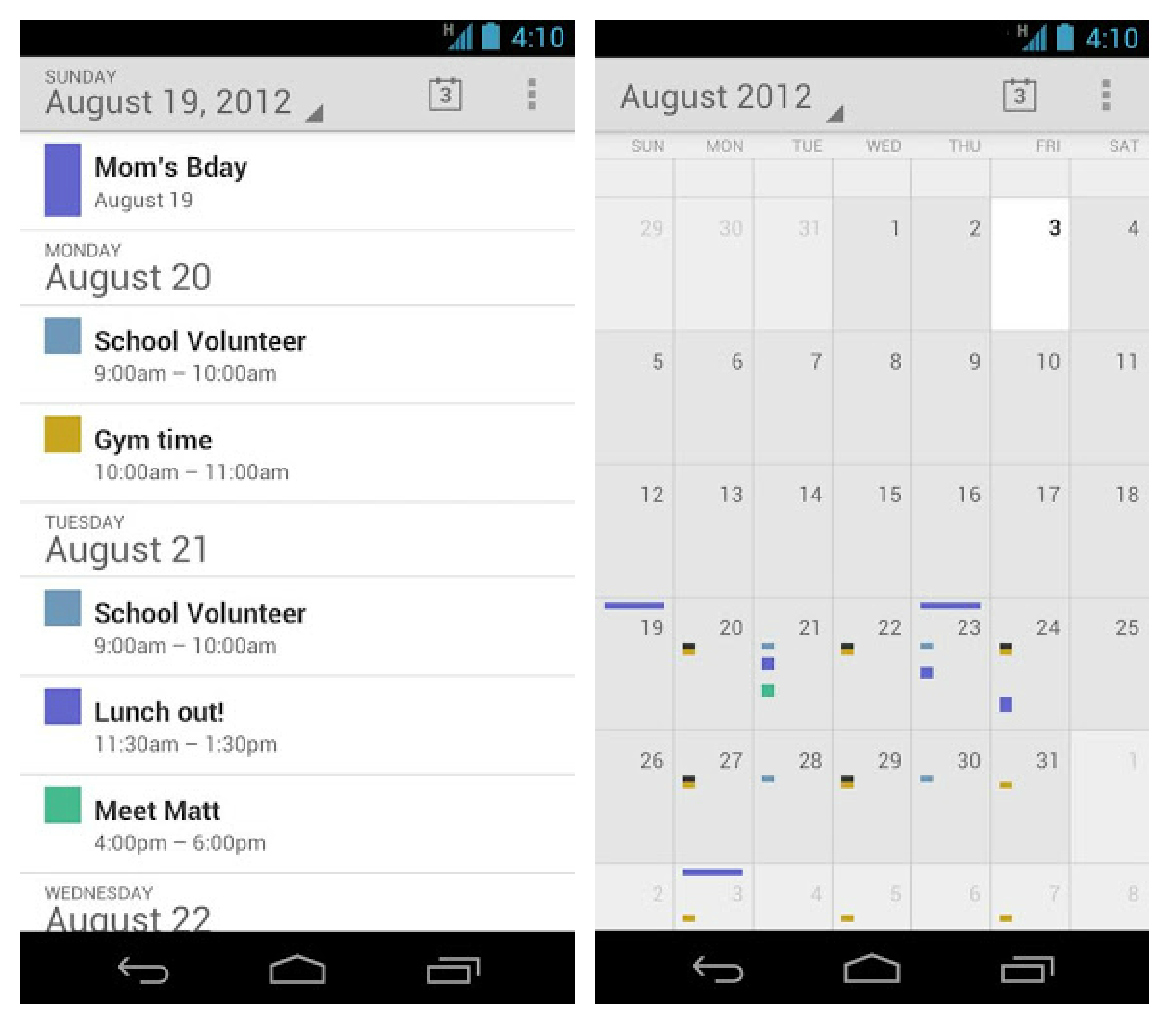
The stock AOSP calendar app made available for everyone. It beats the OEM apps -like S Planner- by a mile! (No offence!). Features a pretty simple interface.
Alternatively, you can go for Google’s calendar which gets frequent updates and a nice UI, but you’ll be compromising efficiency. Your pick!
|AndroidStockCalendar – Google Drive|
|Google Calendar – Google Play Store|
NOTEPAD – BETA
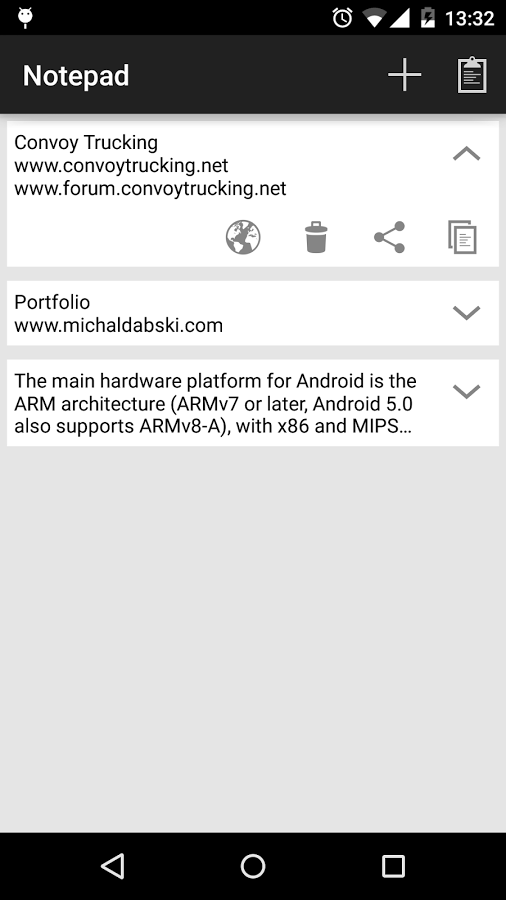
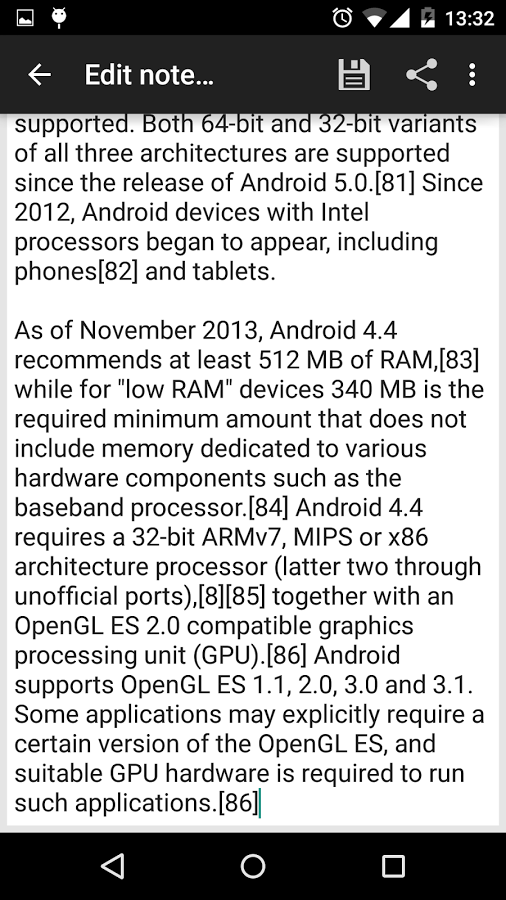
Official Android NotePad. Since every Android version comes with the same app, I’ve made a backward compatible app that’s better than the OEM app!
|AndroidStockNote – Google Drive|
LAUNCHER 4/3/2 #
Android’s AOSP launcher (2 – upto Jellybean, 3 – upto Nougat, 4 – Oreo). I’ve managed to make a pretty stable (mostly) version.
|AndroidStockLauncher3 – Google Drive|
INTERNET #
😦
VIDEO EDIT – BETA
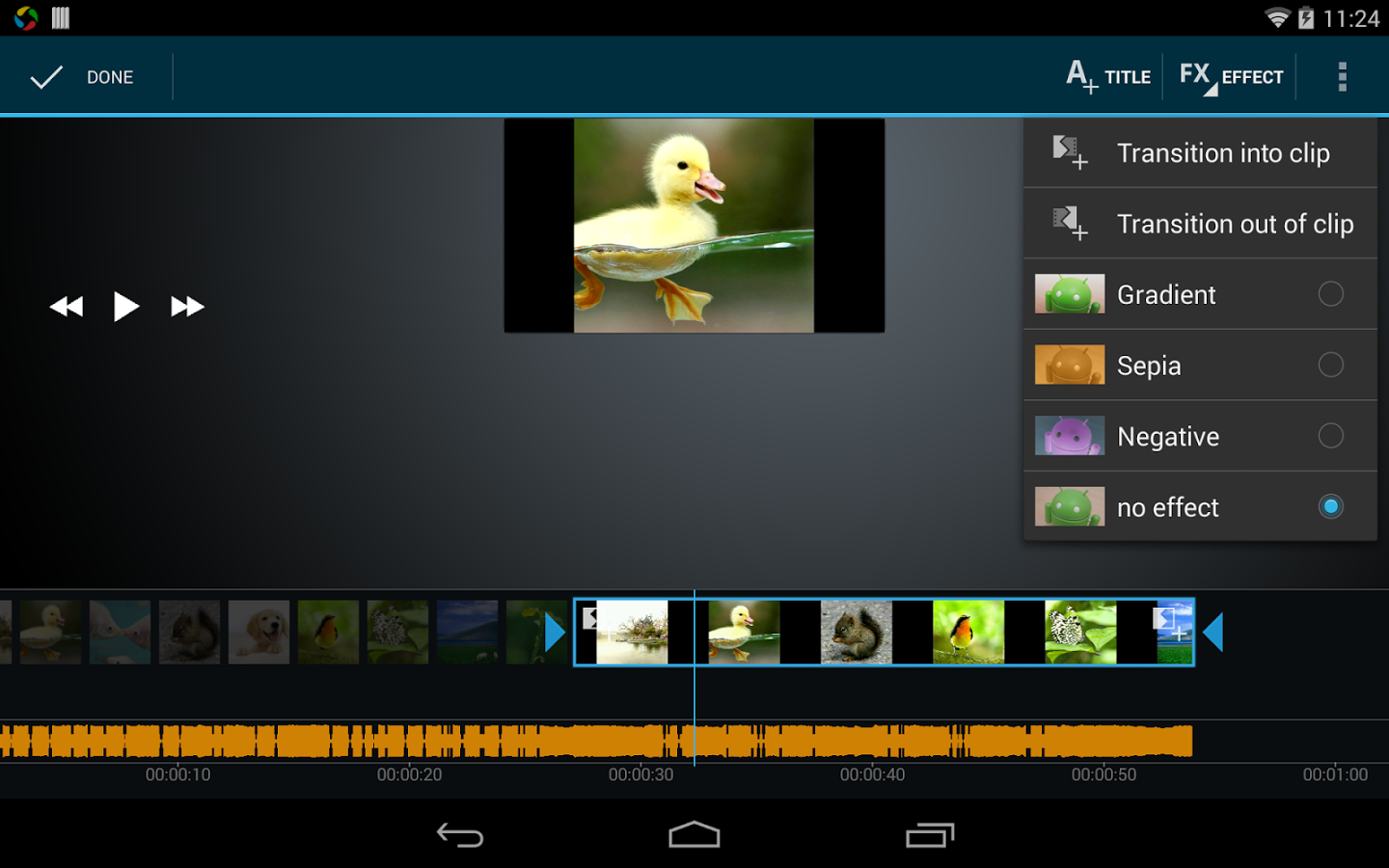
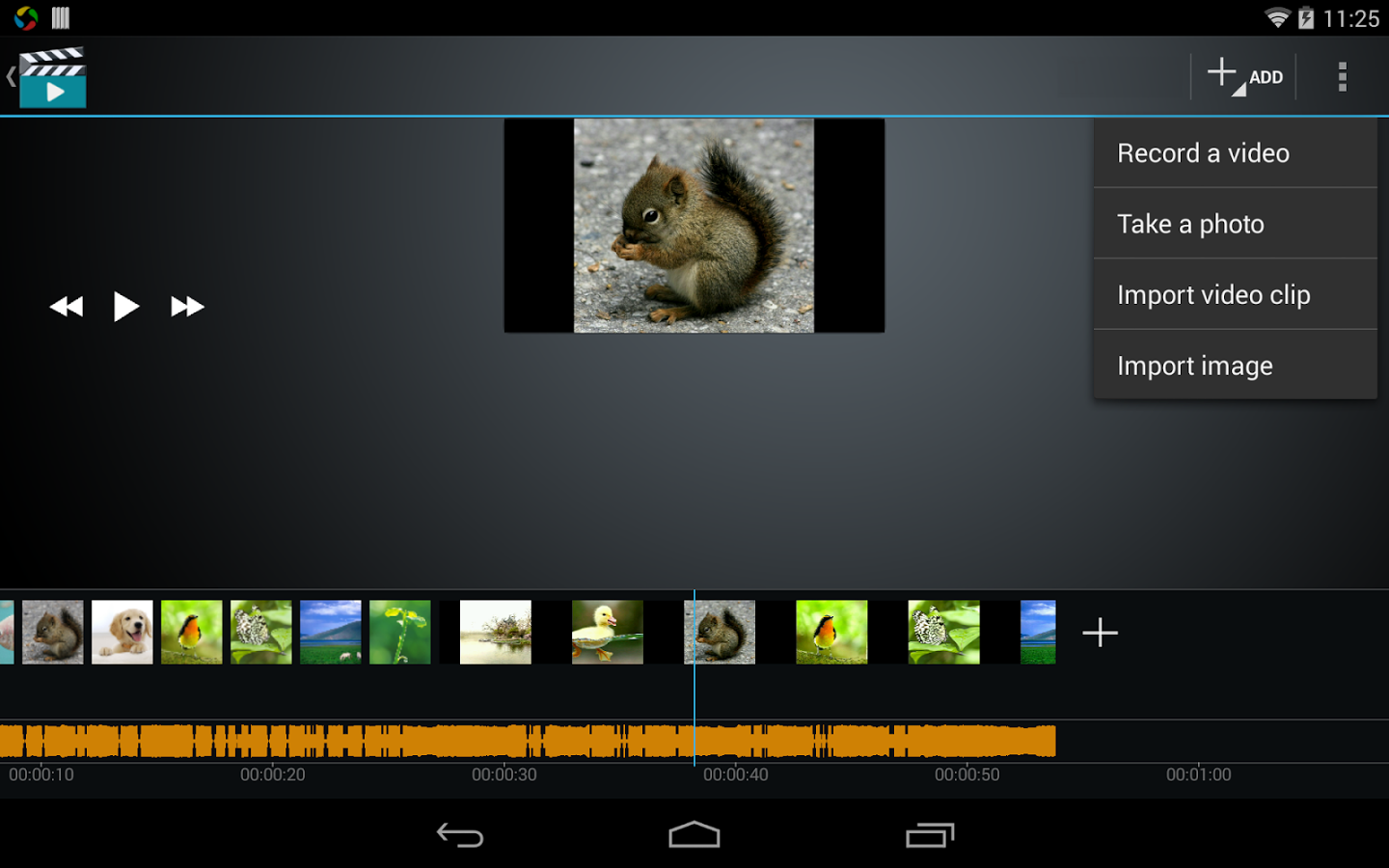
Google gave an app called “Movie Edit” back in the day, but now, this app has been excluded in most devices. So I’ve resurrected this excellent app so that you can always make your friend a clown! PS only for ARM devices.
|AndroidStockMovie – Google Drive|
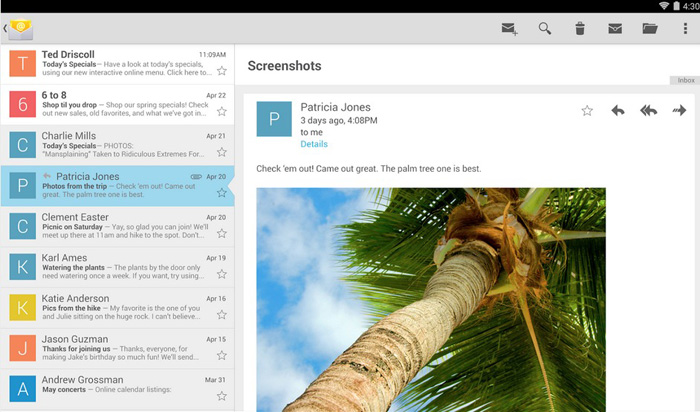


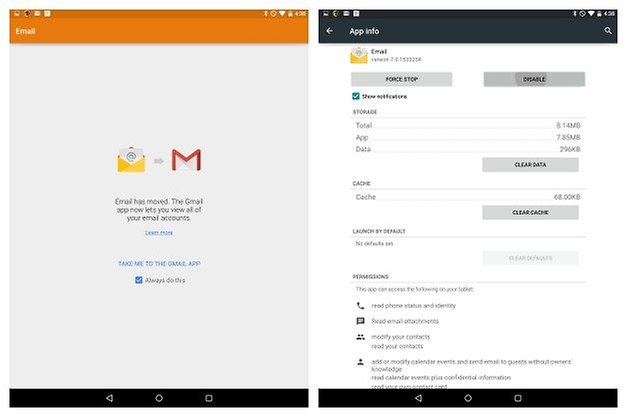
Managed to make a very stable version of the stock Email app. It’s the last usable version before Google made the transition to the GMail app. If you’d like to see the bleeding latest one (it prompts you to open the Gmail app), you can get it on this link.
|AndroidStockEmail – Google Drive|
VOICE RECORDER – BETA
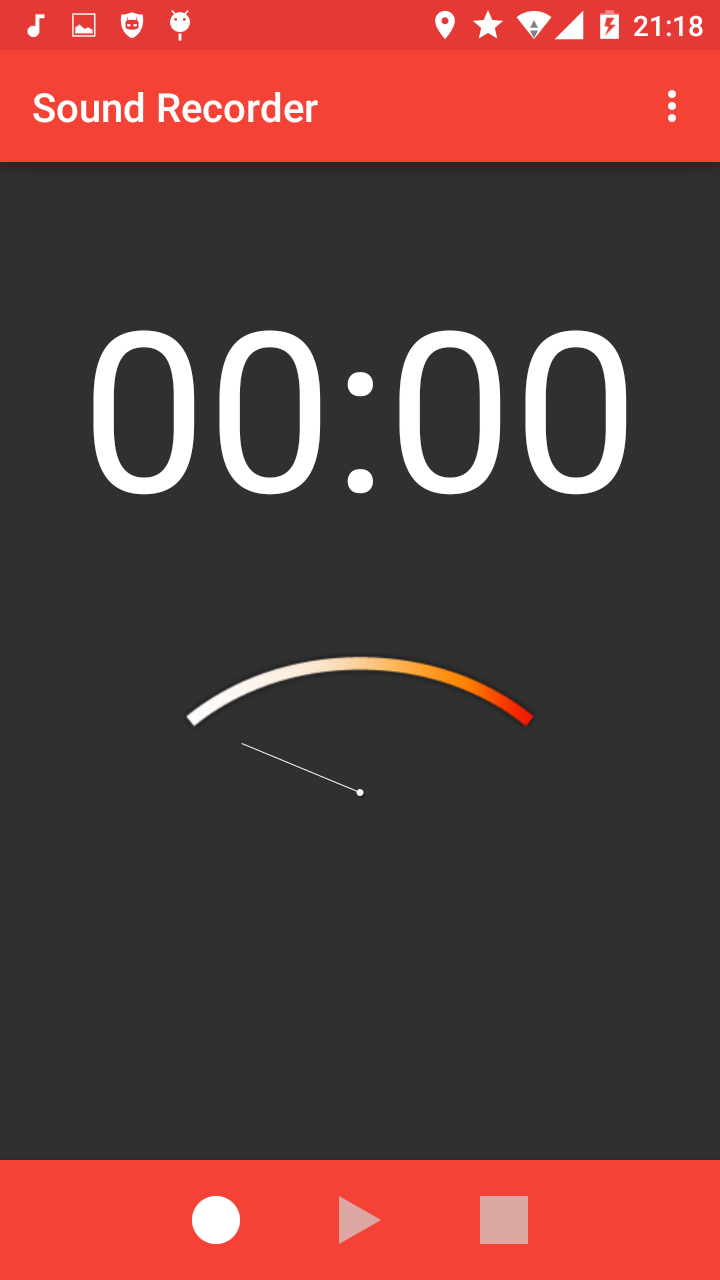
In the last stages of porting the Android Nougat Voice Recorder app for older versions. I’ve finally managed to get the Android 5.1.1 Voice Recorder app for older versions. has a selection of which format to record to!
|AndroidStockVoice – GoogleDrive|
GALLERY
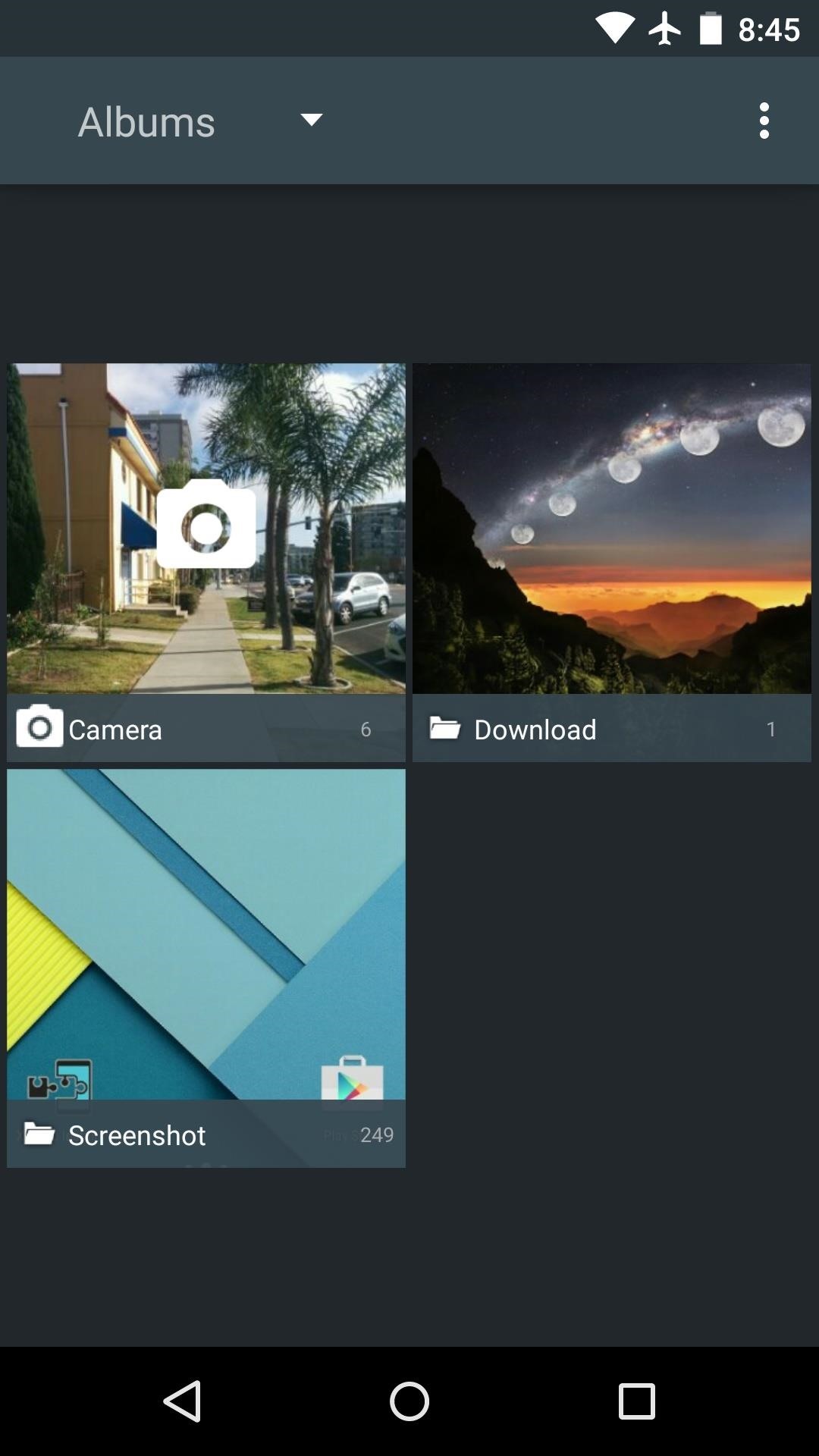
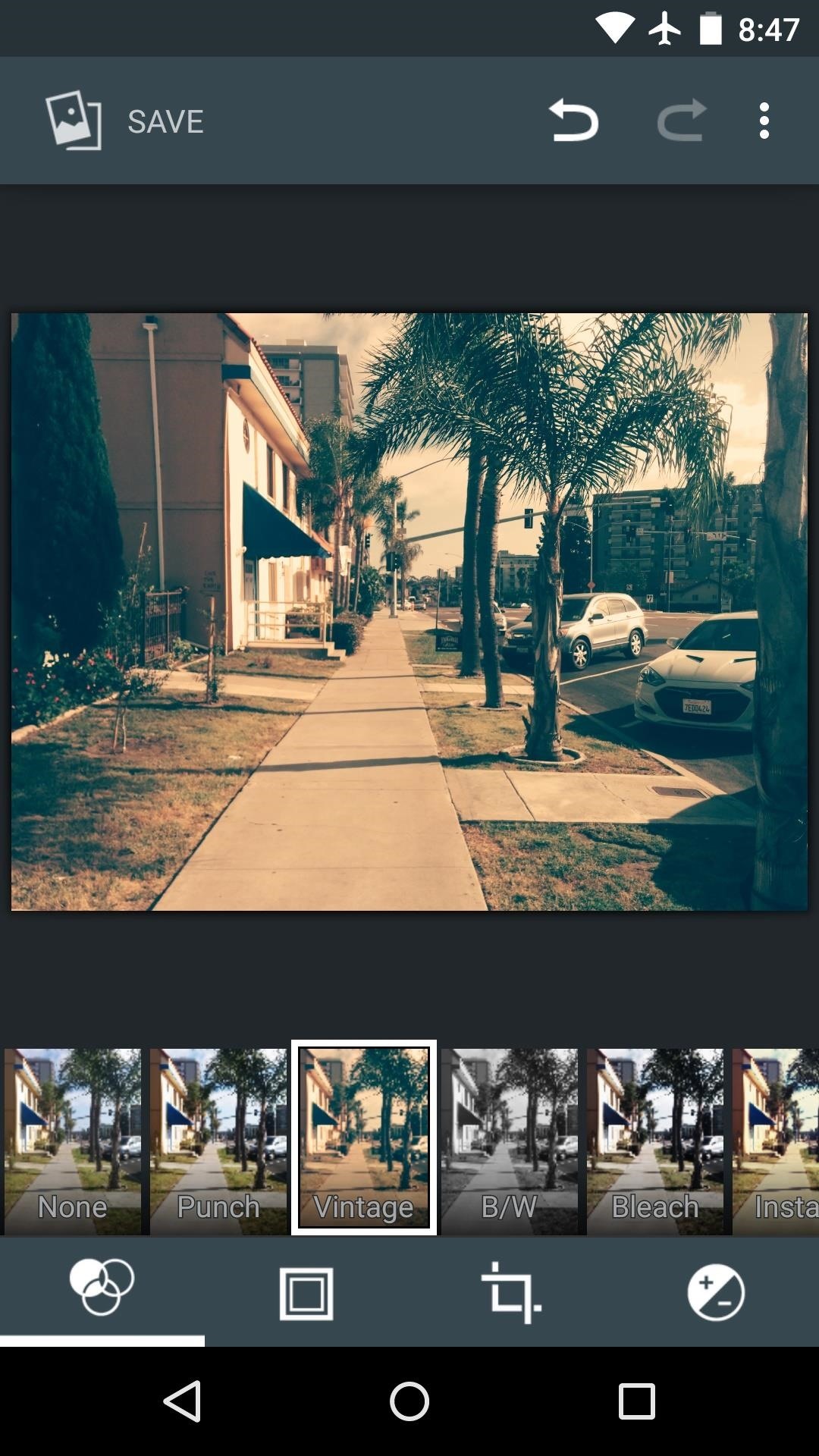
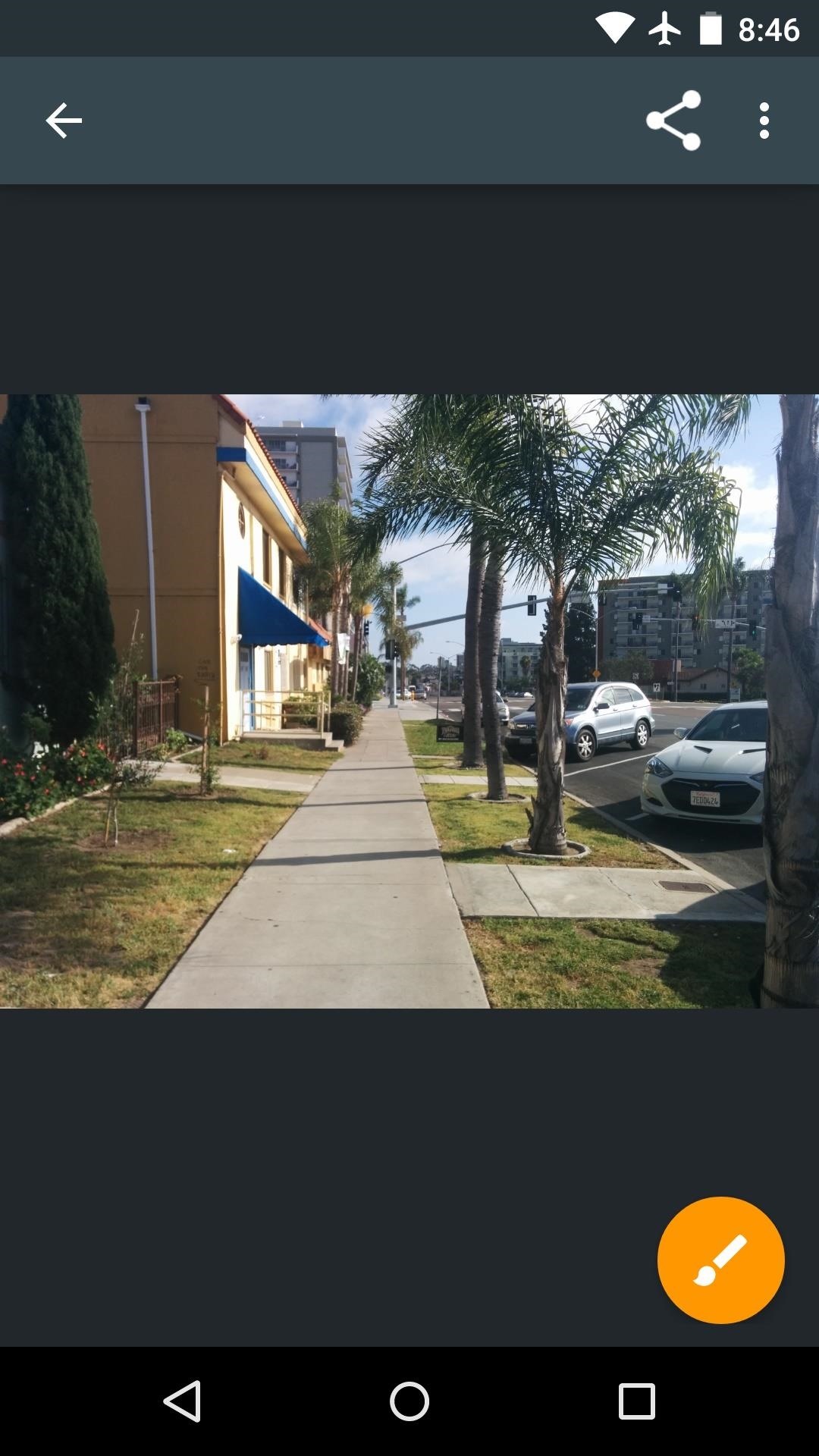
All the versions have the same gallery app. PS best to install the Universal Camera app above for optimal stability and performance. Also, I’ve provided the gallery app in CyanogenMod for Android L and up.
|AndroidStockGallery – Google Drive|
EXTRAS +
Buncha apps that will help you to make your phone look new.
LOCK SCREEN
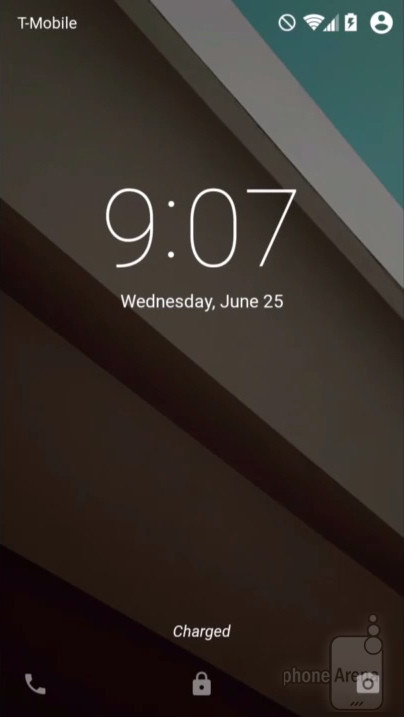
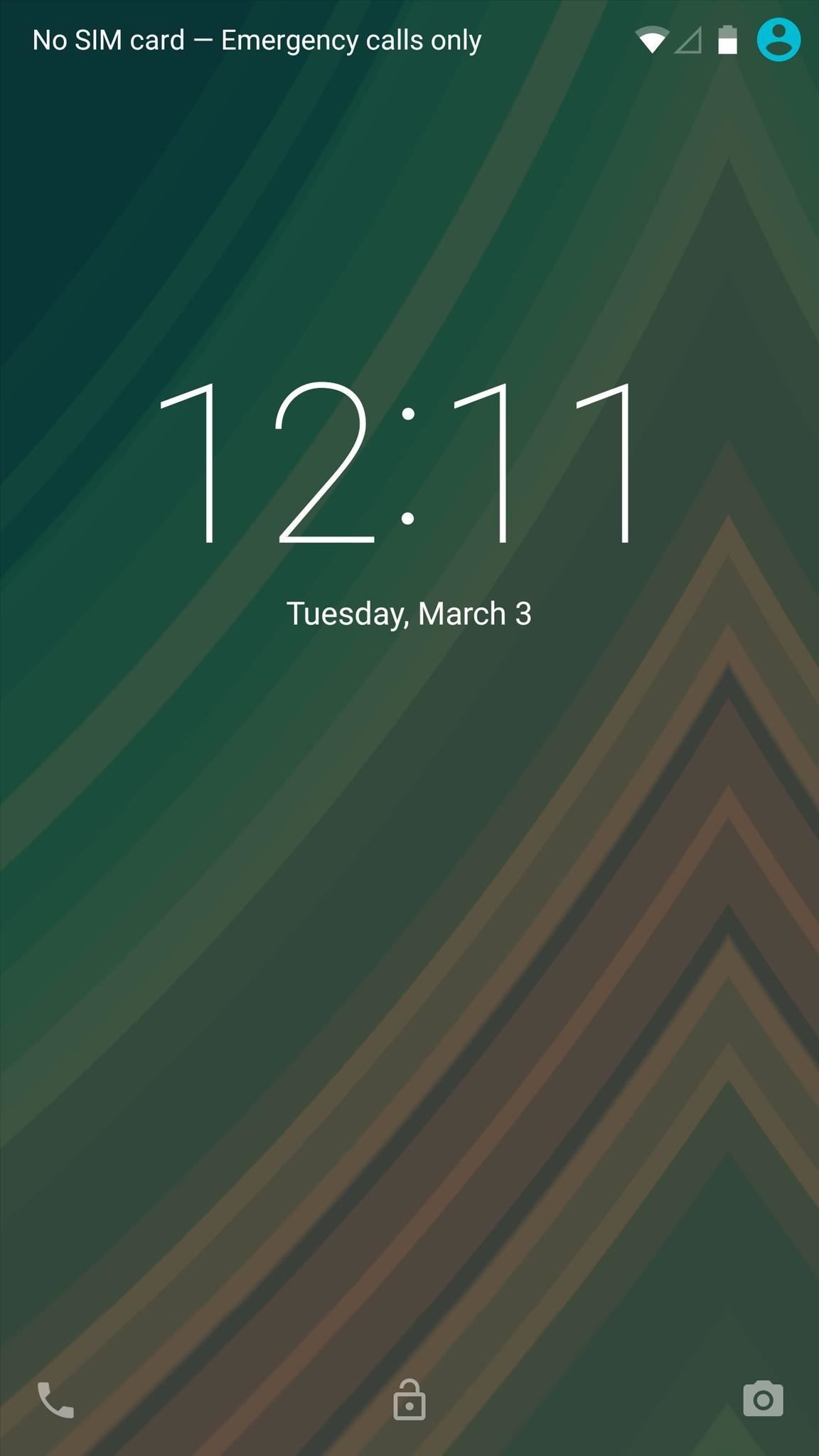
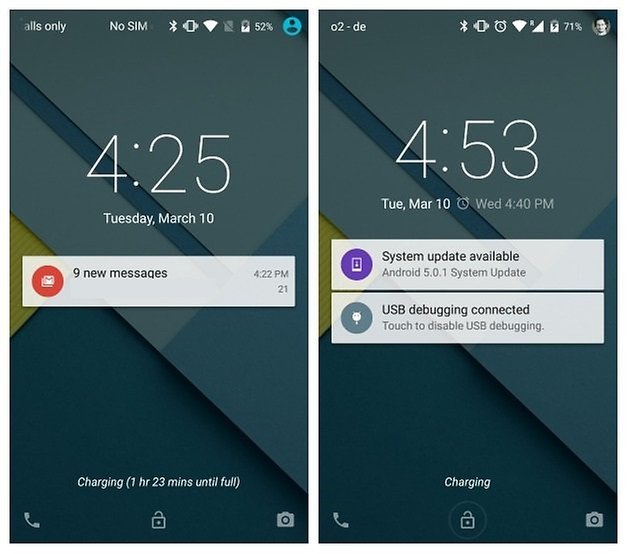
I tried to bring the Lollipop lock screen to others and here’s the result: a fully functioning, ad free, customizable lock screen that looks like Android L. I had to deeply integrate code from other apps, so, it’s not perfect. The notification on lock screen feature doesn’t work for Jellybean. Not at all like all the crap you might have found on the market.
|AndroidStockLock – Google Drive|
EASTER EGGS
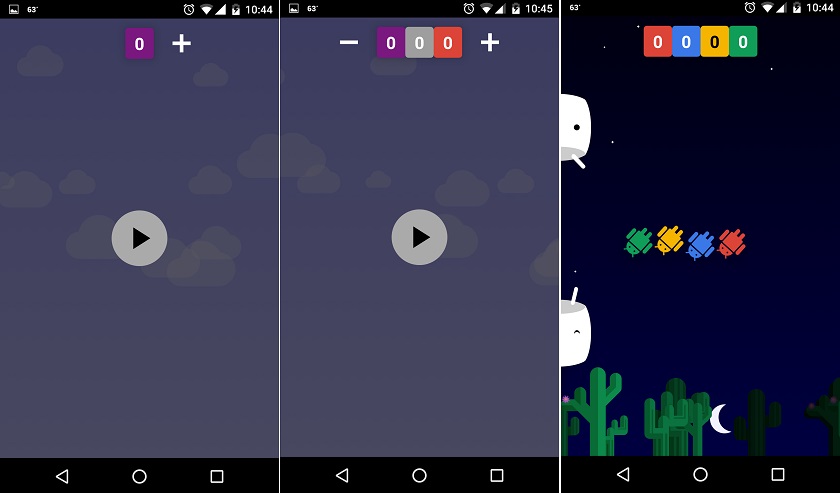
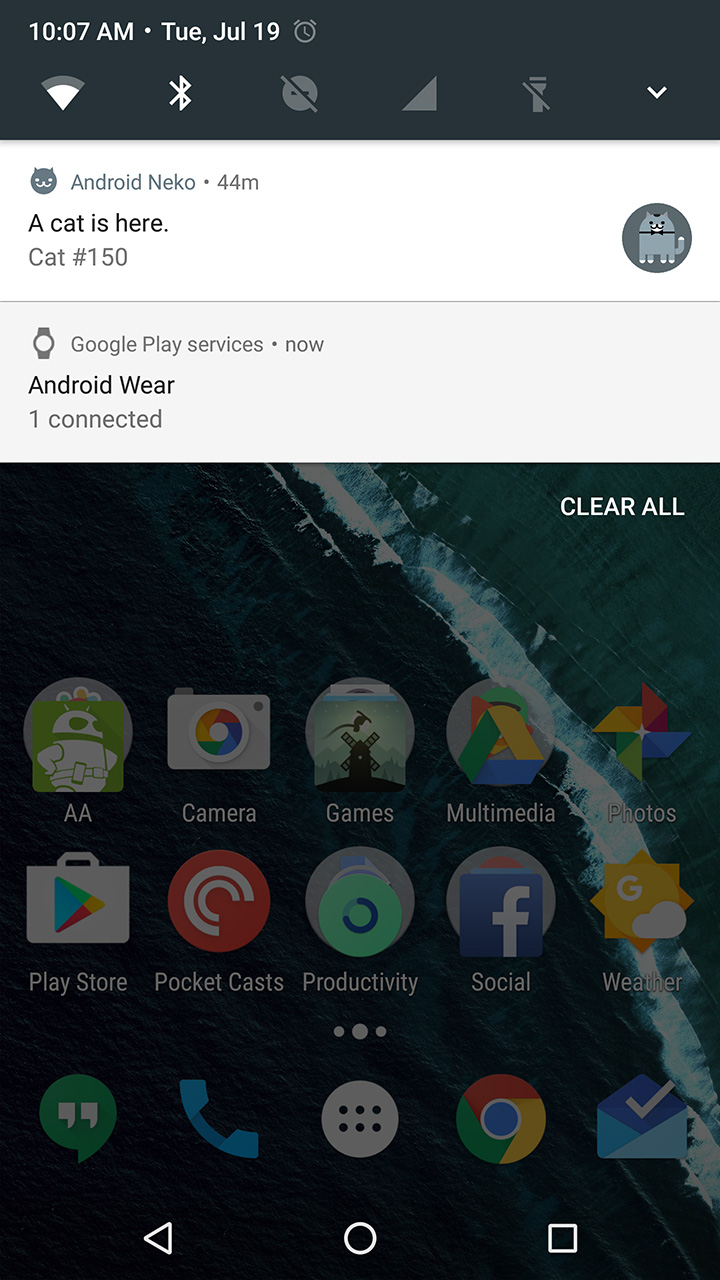
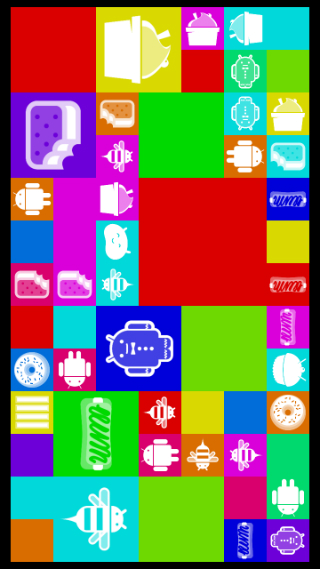

All the Easter eggs of all versions of Android in one app that’s compatible for all!
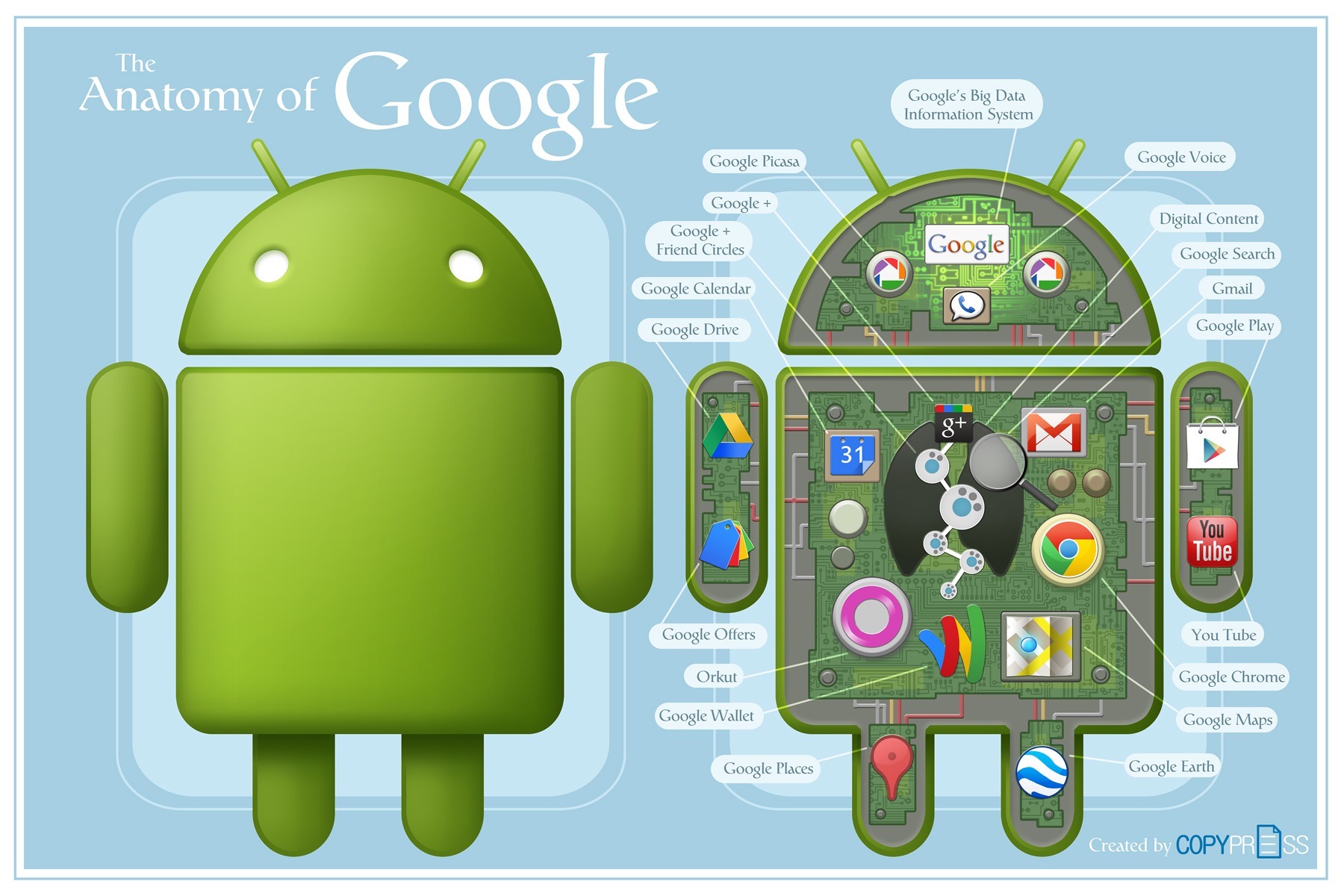
 Help Ahoy!
You must be logged in to post a comment.