Lately there have been lots of emulators in the market. Yet trying them all out is a little harder than talking about them. That’s why you came here. I’ll be showing you the best emulators in the market and make you stop @#!# your overworked PC.
Please Note: all these emulators require OpenGL 2.1 or higher (except ManyMo). Also I’d recommend at least 512mb total graphic memory (not graphic only which is about 128mb, and not your RAM either). I’d recommend minimum at least 2GB ram and a dual core CPU. (Except ManyMo). I have tried each of these on Intel processors: Pentium 4, Core 2 Duo, Core 2 Quad, 7th gen i7 processors with AMD graphic cards. Only tried on Win 7, 8.1, 10. Also please read The Small Print bellow each article.
- Remix OS
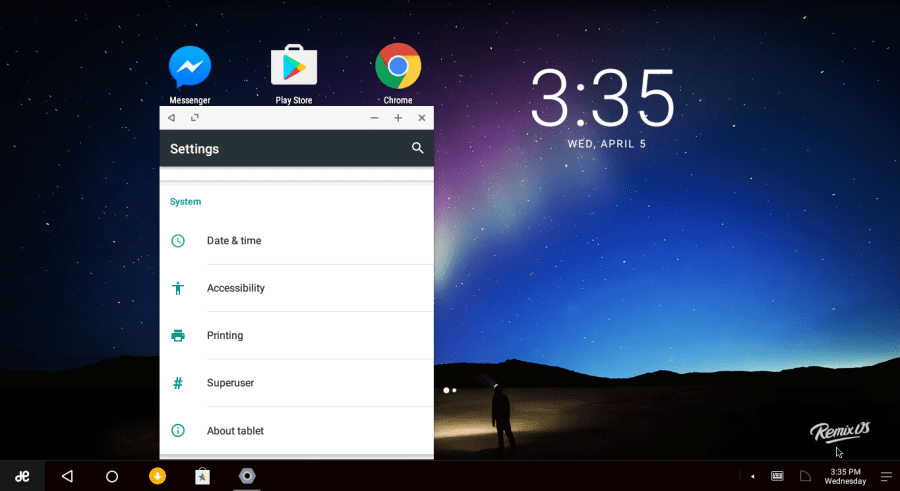
Runs android Marshmallow. The best I ever came across. Although technically not emulation. Remix OS allows you to run android native on your pc. Although it may not be your cup of tea. Running native has lots of pluses besides better speed. Allows you to run your favorite apps and games without speed hindrance. Also all apps run in windowed modes. I’d recommend you to install this on a pc that was built after 2007. Worked on all my machines, needs 1GB RAM, needs IDE or IDE emulation (read how to at the bottom) OR an 8GB USB with more than 20MB/s read write. Although it worked with 4GB as well. (read how to install here). Can be installed ON THE USB and run from it (portable needs 8GB USB)
Small Print: didn’t work as a VM in any of my processors. Get From Here
- Android – x86
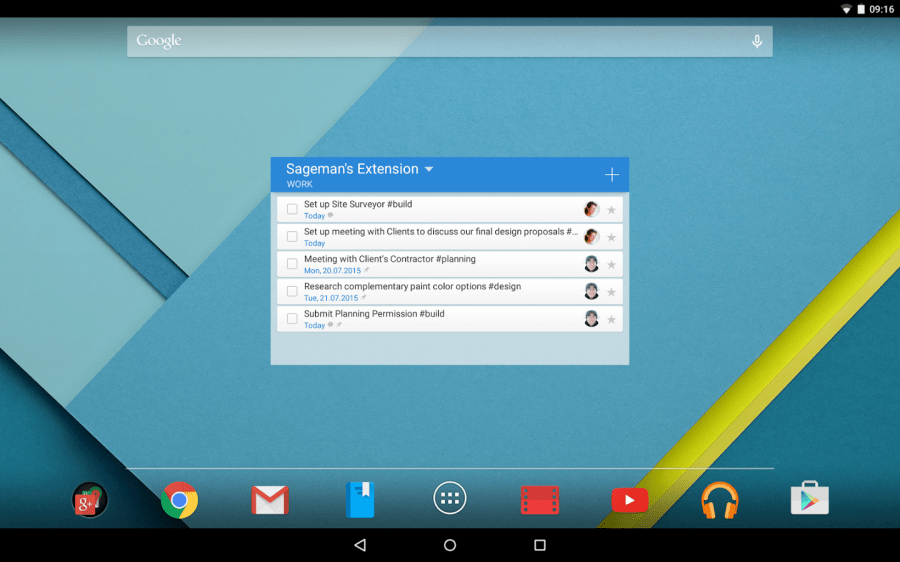


Also a native android runtime. Installable on above all processors and slightly less resource intensive than RemixOS. I did experience some compatibility problems when running some games. Requirements are the same as above although this will run on any machine with OpenGL 2.1, regardless of how old your PC is. Although you can run from the USB you’ll lose all app data when you shut down. Installing on IDE hard disk recommended.
Small Print: can get up to android 6.0 (marshmallow). Doesn’t work in VMs without Intel VT-x. worked on i7 and core 2 quad. Get From Here
- Remix OS Player.
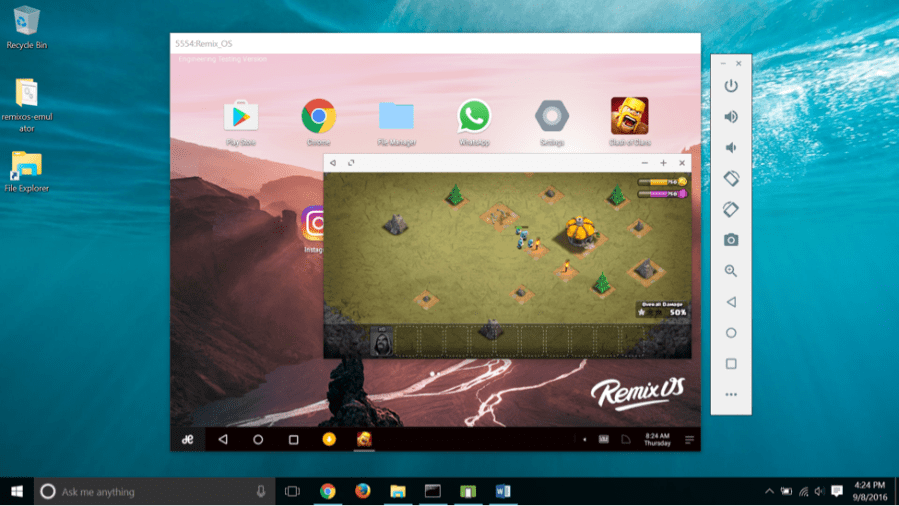
The VM of Remix OS. Same as Remix OS. Doesn’t need IDE hard disk. Can run most games and apps. Although sad to say you need OpenGL 3.0 to use this. A VT-x or AMD-v capable processor recommended with at least 4GB RAM. +eats up most of your resources when running it. Has built in root functions.
Small Print: only worked in my i7. I’d recommend VT-d (newer VT-x). Get It Here
- ManyMo
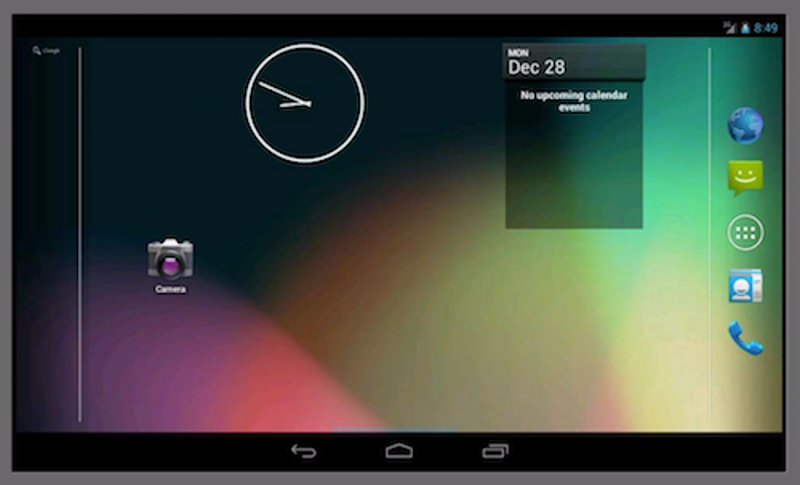
You don’t have to have any high end components for this. ‘cause ManyMo runs on the ManyMo server. Minimum requirements: 256MB RAM (to run the web browser), any processor, any graphic card. Although it may be a hassle to some, it’s the best if you’ve got a low end PC and you wanna try out android. Sign in required. Android up to lollipop. No need to download anything. Will work even on your android or iOS device. No installation. Sessions need to be saved when exiting from web emulator. Will even work on a 3G java phone. Small Print: 3G internet or above needed. Get It Here
- Bluestacks


Although it’s a bit slow it worked on all my devices. It’s a pretty basic emulator but hey look on the bright side you don’t need VT-x. you can set it to be a Galaxy Note 2/ 3 or even an S5. Customizable in many aspects. There are some rumors that there a way to use bluestacks without OpenGL 2.0.
Small Print: rootable, 2GB RAM recommended, don’t try any root tools, like governor changing ‘cause it gets stuck at loading. Get It Here
- Andy OS
Runs on android lollipop. Worked on all my devices except Pentium 4. Doesn’t need VT-x on basic mode but requires VT-x & VT-d in dev. modes. All your games and apps are guaranteed to work on this. Not slow like Bluestacks. Has ARM compatibility.
Small Print: rootable, normal actions don’t need VT-x, highly customizable. Get It Here
- Windows Android


It’s not a VM like all the other emulators but is a porting of android. It runs as a normal windows app. Great if you want the feel of android but has compatibility issues. Don’t run any games on it (no ARM support). But great if you want to run android productivity software on your PC. Not at all slow. Shared clipboard allowed.
Small Print: didn’t work on my Pentium4, Gapps need to be installed. Don’t try root apps. No VT-x, android 4.0.3 Get It Here.
- GenyMotion


This is one of the best emulators. You need VirtualBox to run this. Multi instance possible. VT-x needed although that’s just for some extra functions. Android up to marshmallow. Customizable via VirtualBox. Many devices can be emulated (Samsung, nexus, Motorola etc.). A good choice for developers although it should work fine for you.
Small Print: heavy size, need a little technical know-how, Get It Here
+ here’s a guide to use GenyMotion without VT-x |no VT-xd|
- LeapDroid


Best for all around compatibility. Although it’s a bit slow and you need virtual box to install it |no VT-x|
It’s discontinued so you’ll have to get the .ova file to get it on VB or get from Here and open it with 7Zip and extract the .ova file and double click it after installing VB or use import appliance in VB. Recommended 4GB ram. Didn’t work on Pentium4.
Small Print: don’t install the app itself, just extract the .ova file ‘cause the app doesn’t install.
- ARC Welder
This is not a good way to run android. You can run android apps on the chrome browser. Applicable for any platform including chrome books. Great for running office apps and small games. Highly customizable. And doesn’t waste resources. Get the app Here, and read additional Here.
Small Print: don’t need VT-x, can only run one app at a time. Not great compatibility. Only worked on Windows 7 64-bit Core 2 Quad.
- MEmu
Didn’t work on any of my machines but got stuck at 60% mark. I wouldn’t recommend this to anyone but what they say on their page is pretty good |my MEmu| try it out for yourself. Upgradable to lollipop.
Small Print: needs VT-x, I DIDN’T TEST ITS FUNTIONS
- Droid 4X
The latest version failed my expectations. Earlier versions worked on core2 duo, quad and i7. Latest one doesn’t work on any |Droid4X|
Small Print: needs VT-x although they say it doesn’t, I DIDN’T TEST IT
- NOX app player
Didn’t even install on my Pentium, duo and quad. Installed on my i7 but crashed or stuck at loading when I tried to run it. |NOX player|
Small Print: I DIDN’T TRY IT
There are many more emulators out there which I haven’t tried. So try those out as well and don’t comment bad down in comments because I didn’t make any of the above.
 Help Ahoy!
You must be logged in to post a comment.